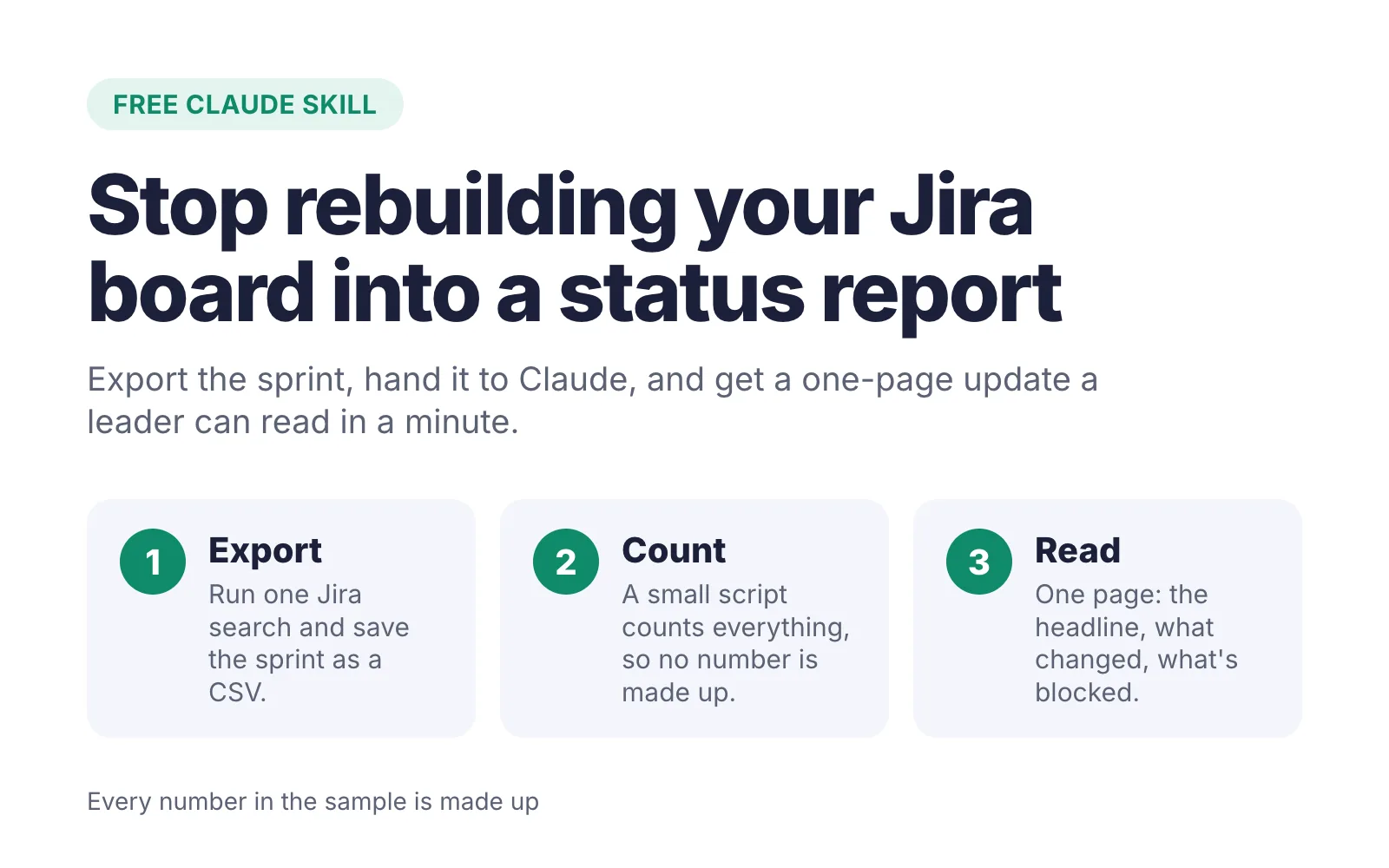
Every sprint, somebody has to turn the Jira board into an update a leader will actually read. I built a free Claude skill that does the counting and writes the first draft, so your time goes into checking it and adding the context only you have.
Download the free pack (zip, 24 KB)
What it does
You export your sprint from Jira as a CSV, attach it in Claude, and ask for your leadership update. The skill runs a short script that counts everything in the file, then writes one page in plain English:
- One line up top: On track, At risk or Off track, with the number behind it.
- What changed this week, grouped, without ticket jargon.
- What’s blocked or hasn’t moved, with the owner’s name.
- What’s next, most important first.
- Where you need a leader’s help, as a question they can answer, only when the export points to one.
The status call is simple on purpose. It compares how much of the work is done with how much of the sprint has gone. When the work falls well behind the clock, or a high-priority item is blocked, it says At risk.
Before and after
Here’s what it does with a made-up sprint: 27 rows of raw export on top, and the page a director would get below.
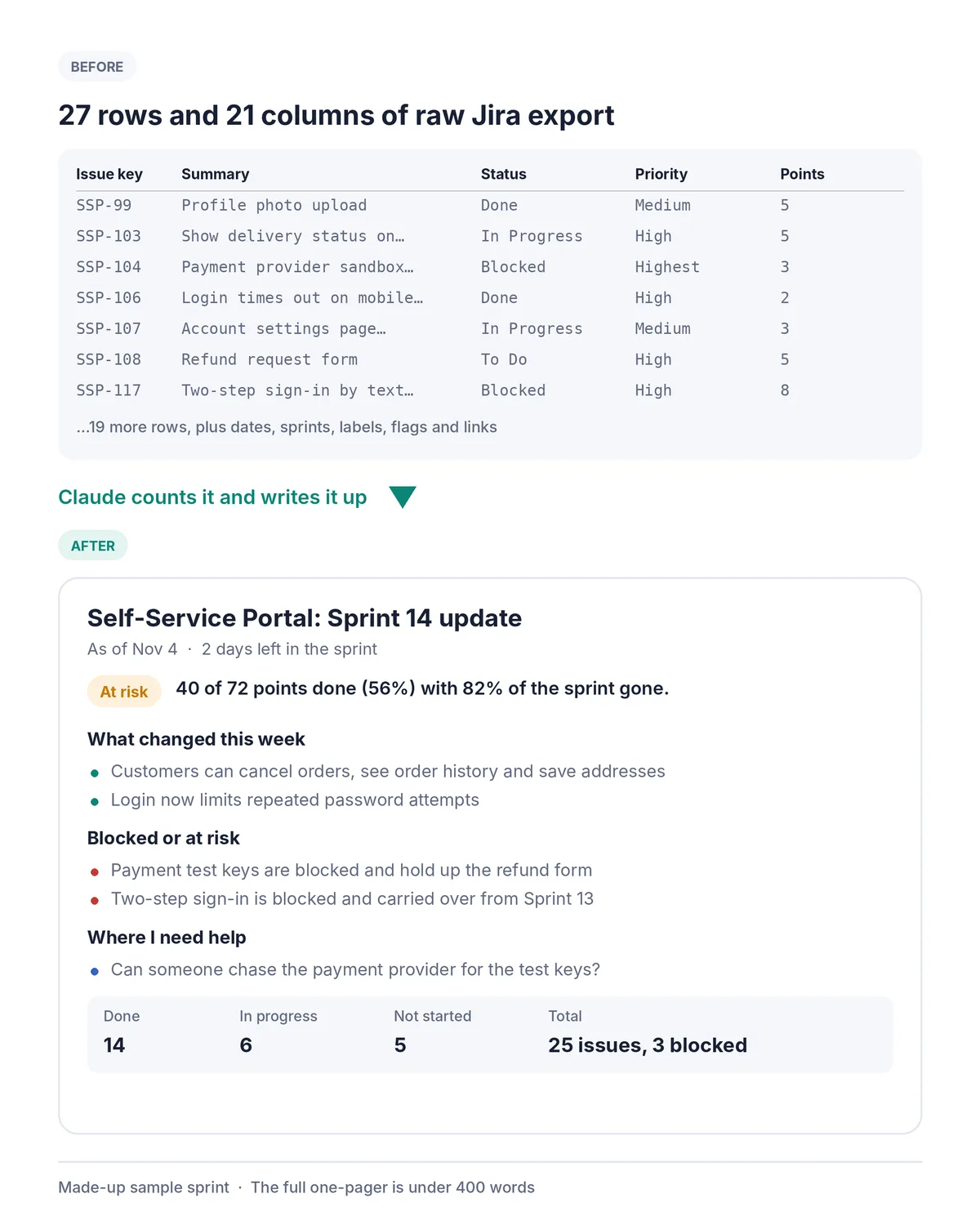
In that sample, 40 of 72 points were done with 82% of the sprint gone, so the skill called it At risk. It named the two blocked items holding up other work and asked the two questions a leader could actually answer.
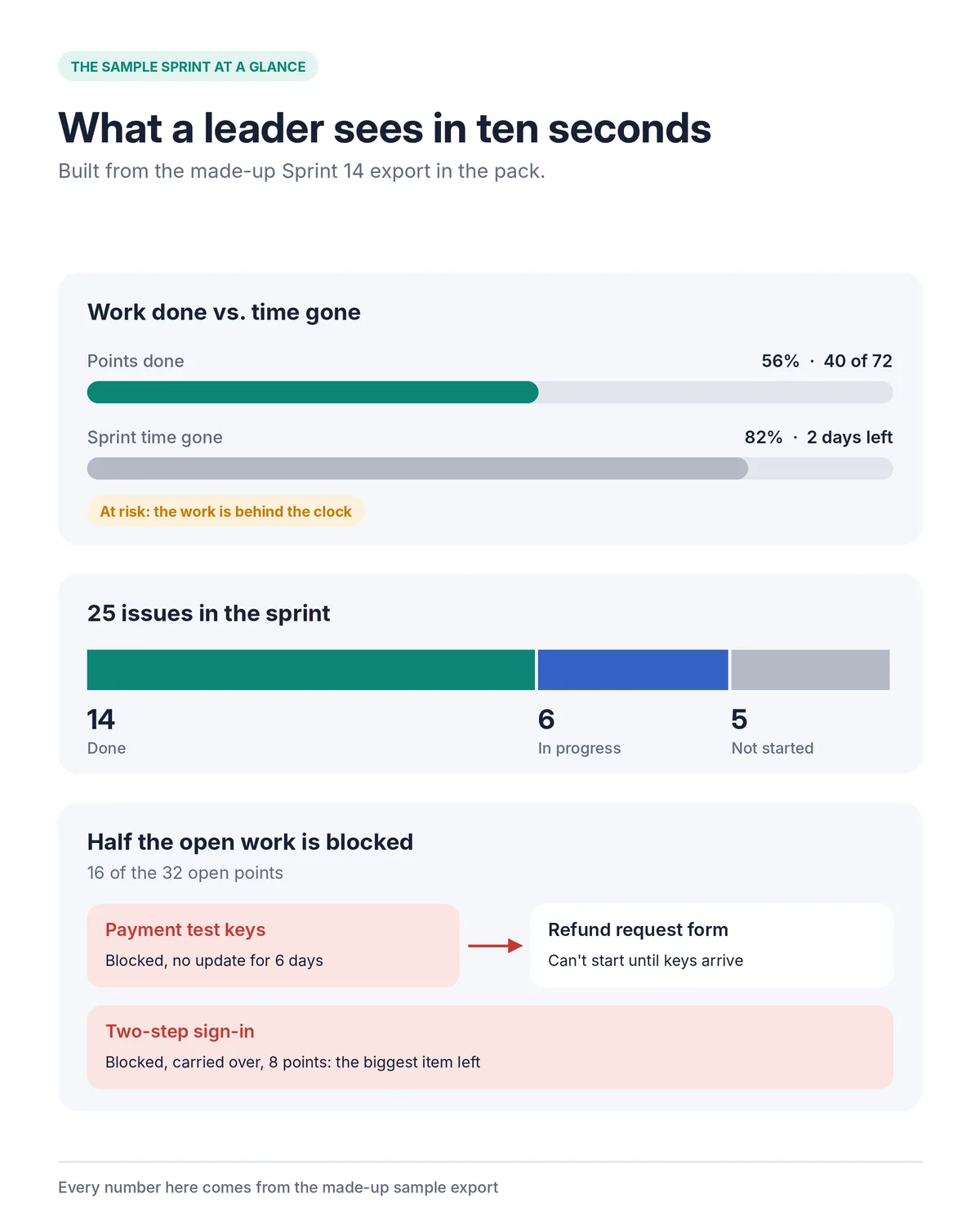
The rule that matters most
Every number comes from the export. The skill never estimates, rounds up or fills in a figure it can’t count. When it has to guess something, like which sprint is current or what a custom status means, it says so in one line of data notes at the bottom.
That’s the part I care about. In Delegate to AI. Don’t outsource to it. I wrote about a status report I almost sent with placeholder text in it. This skill is how I’d rather work: AI does the counting and the first draft, and you read it, fix it and put your name on it.
What’s in the free pack
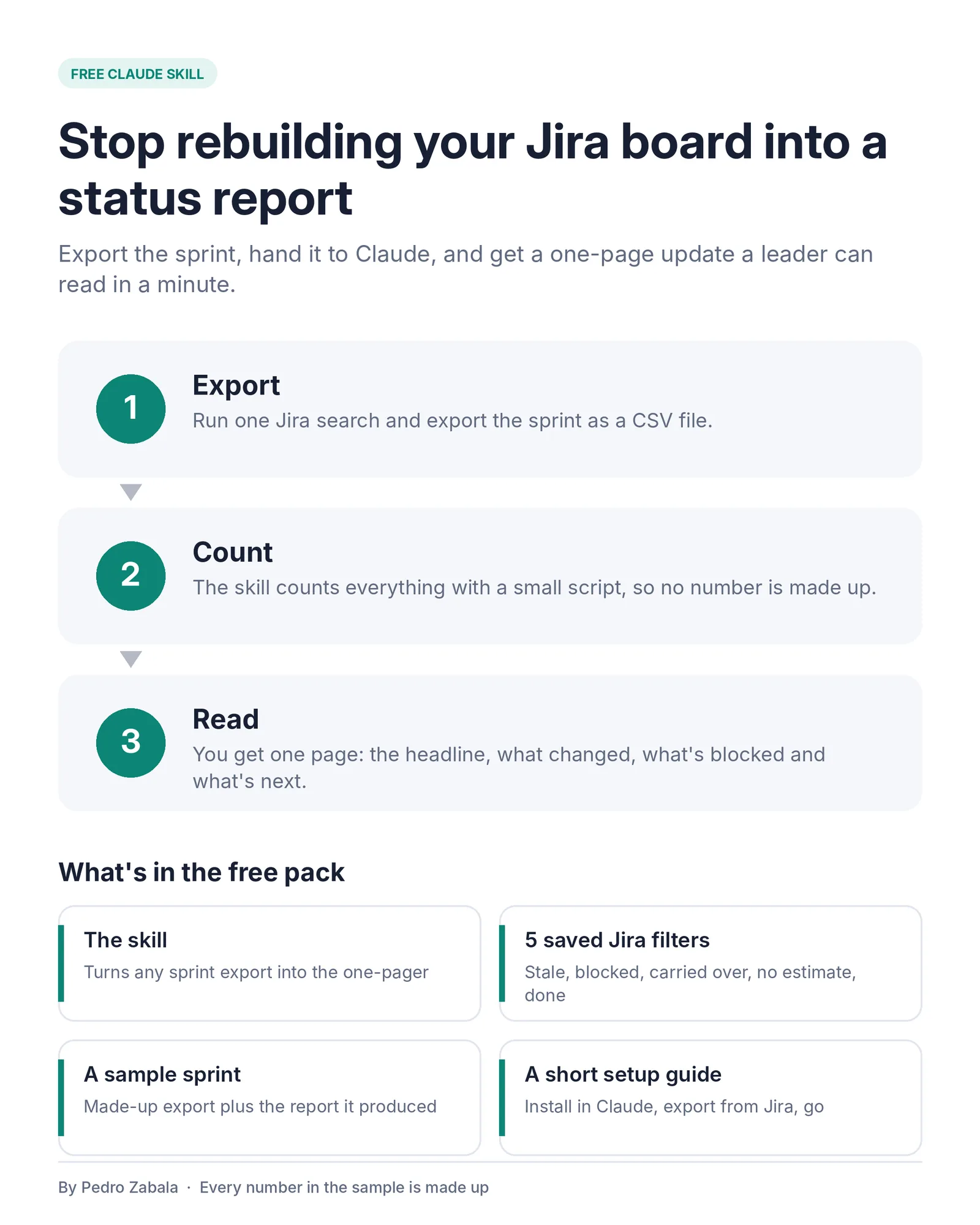
- The skill, zipped and ready to upload to Claude, plus the same folder for Claude Code.
- Five saved Jira filters: stale work, blocked, carried over, no estimate and done this sprint. Useful even without AI, before every standup.
- A sample export and the report written from it, so you can see the result before you try it on your own board.
- A short readme with the install steps and the exact Jira export to run.
How to try it
- Download the pack and unzip it.
- In Claude, go to Customize > Skills, choose Upload a skill, and upload
jira-leadership-one-pager.zip. Code execution needs to be on, since the skill runs a script to count. In Claude Code, copy the folder into~/.claude/skills/instead. - In Jira, run
project = ABC AND sprint in openSprints()with your project key, then choose Export > Export CSV (all fields). - Attach the CSV in a new chat and write something like “Write my leadership update for this sprint. It runs Oct 26 to Nov 6.”
- Read the data notes before you send it on.
Check your company’s rules before you share Jira data with any AI tool. Start with the sample if you’re not sure.
Frequently asked questions
Does the skill make up any numbers?
No. A short script counts everything from your Jira export, and the skill writes only from that count. If a number can't be worked out from the file, it leaves it out and says so in the data notes at the bottom.
What do I need to use it?
Claude with code execution turned on, or Claude Code, and a CSV export of your sprint from Jira. Giving Claude the sprint start and end dates lets it say whether you're on track.
Is it safe to use with work data?
Check your company's rules before you share Jira data with any AI tool. Everything in the sample that comes with the pack is made up.